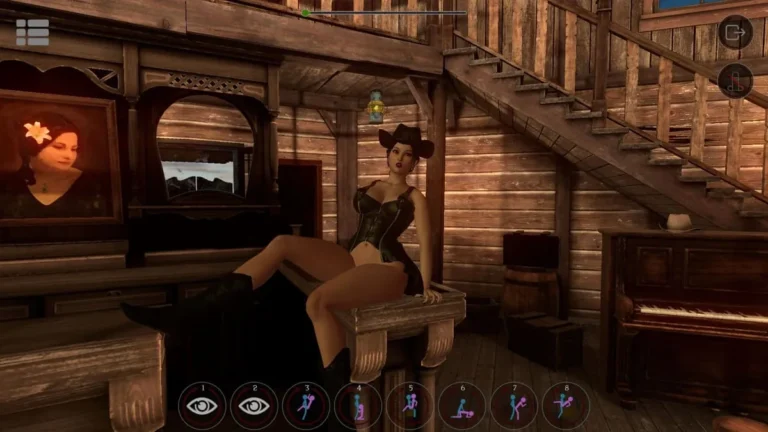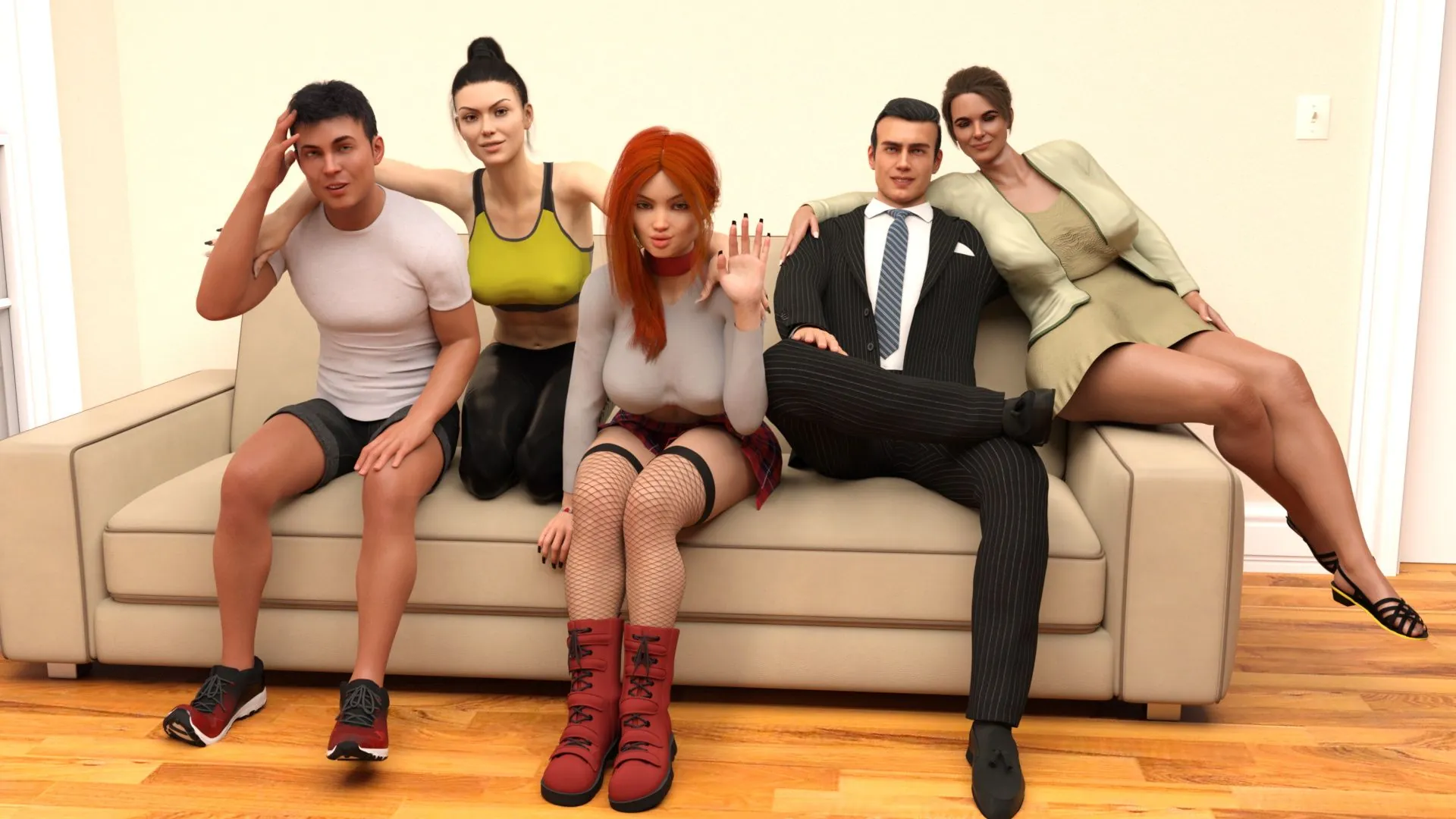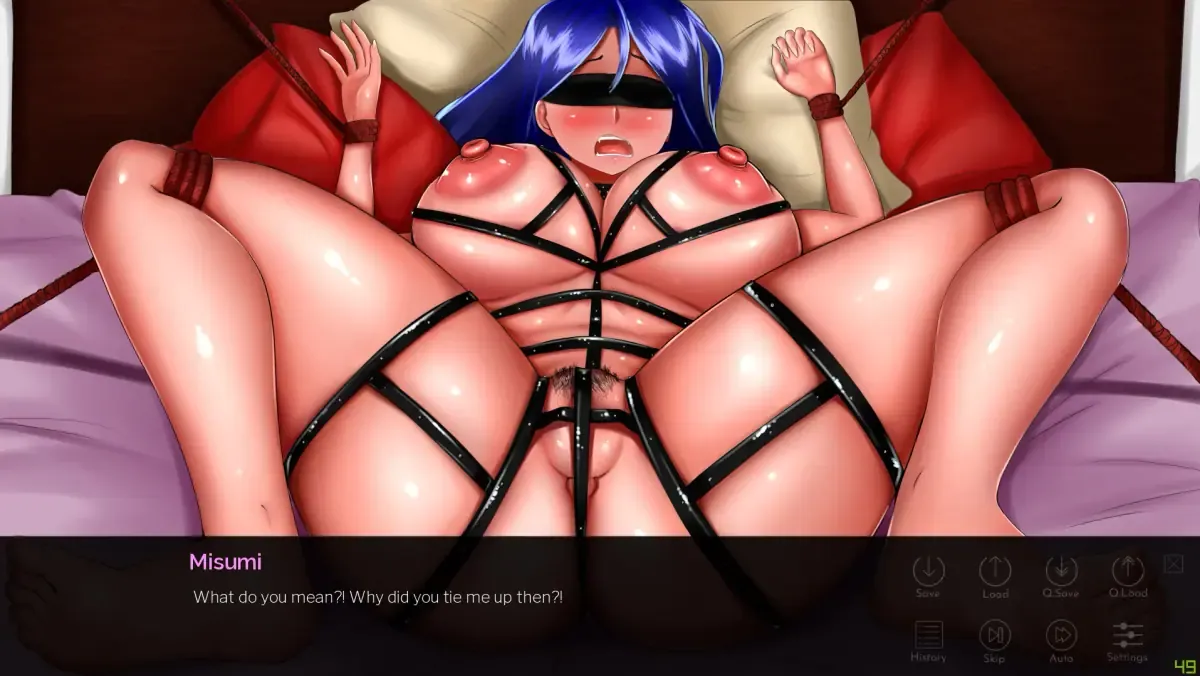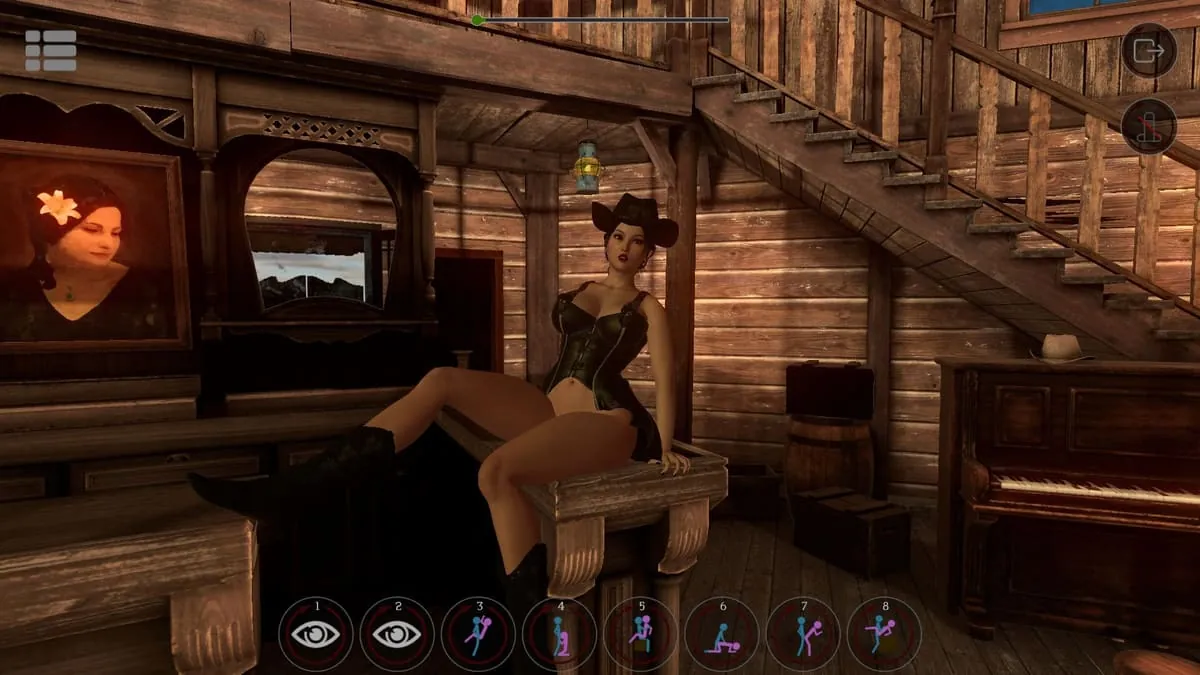
SinVR Screenshots
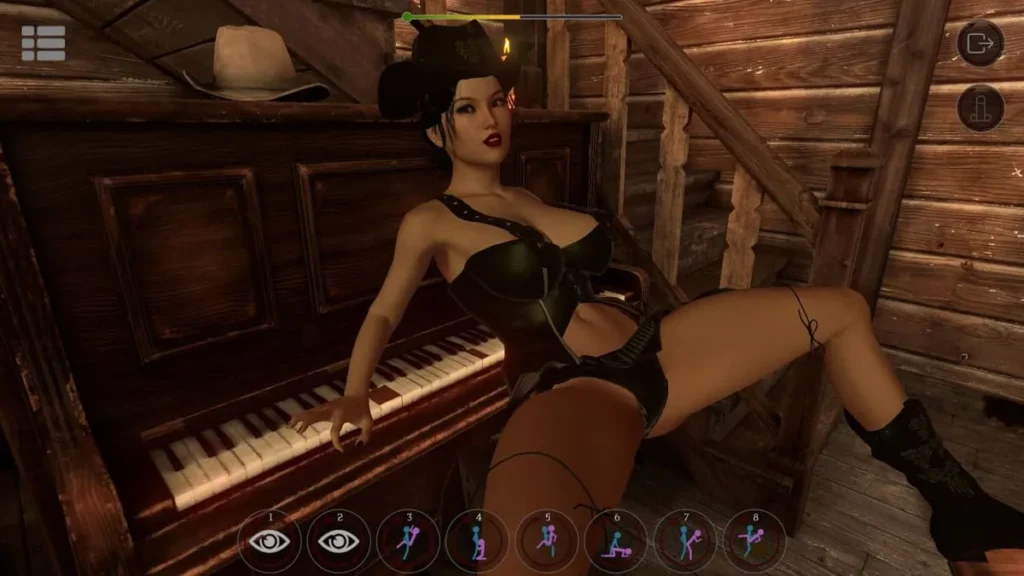
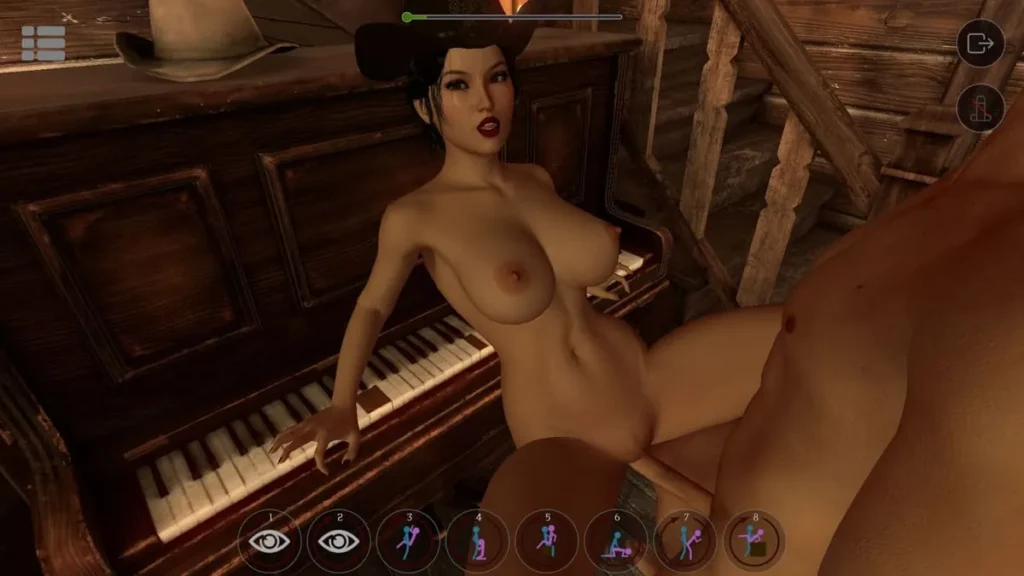
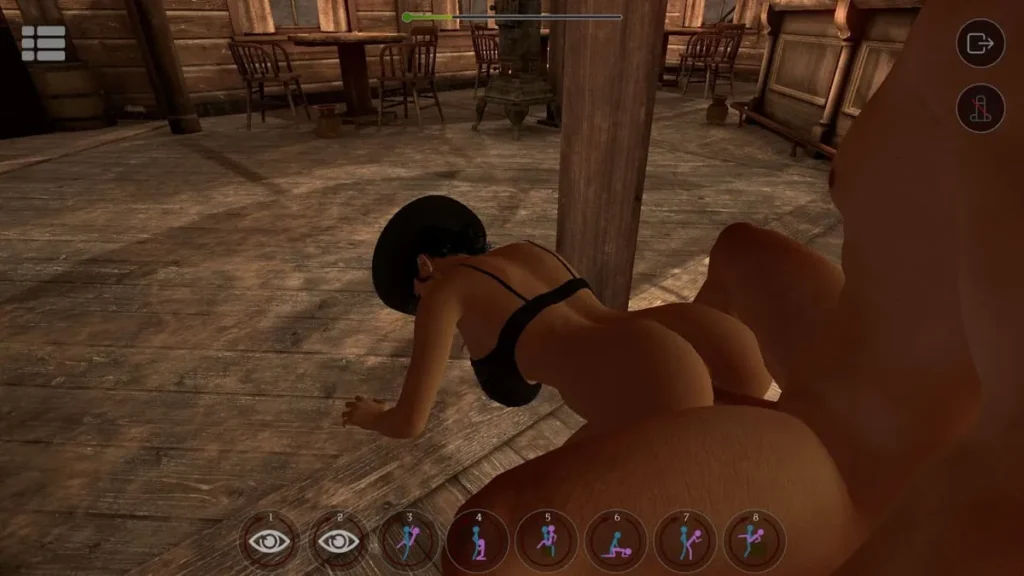
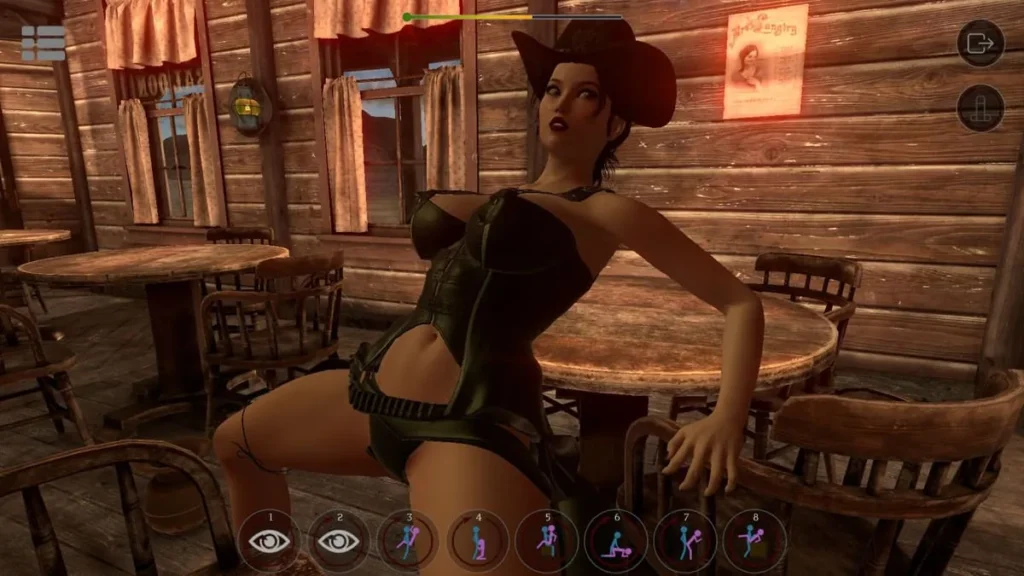
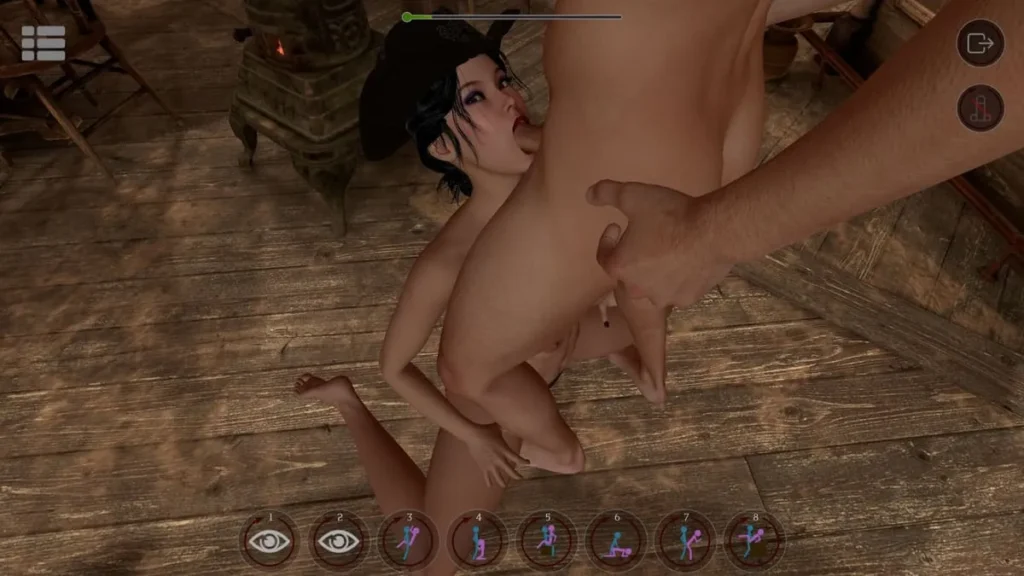
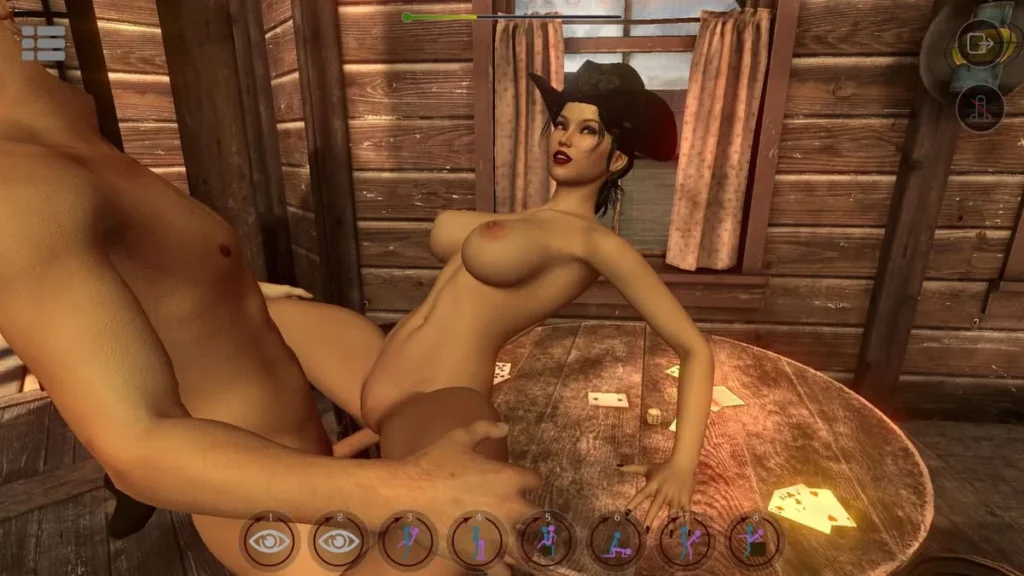
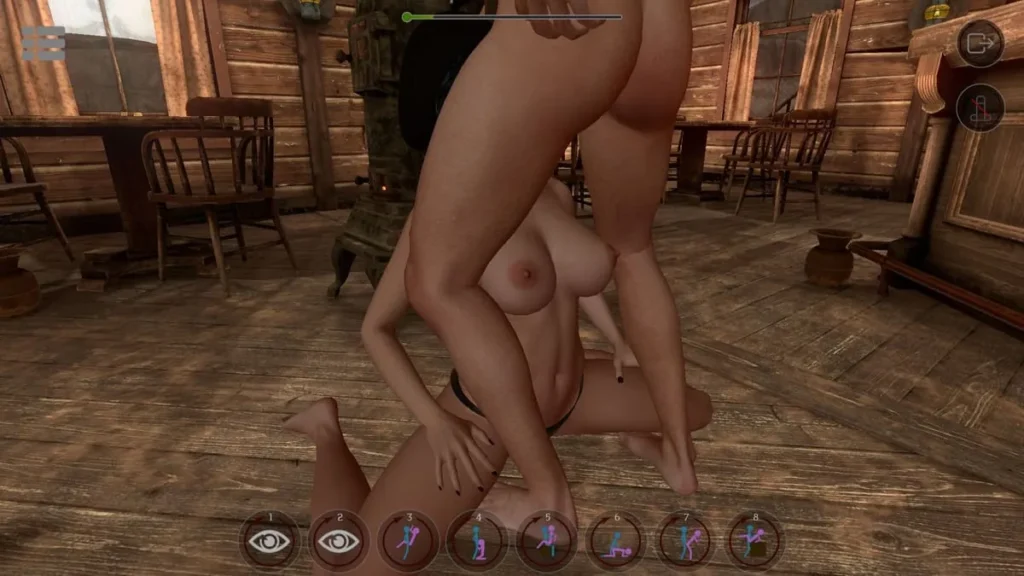
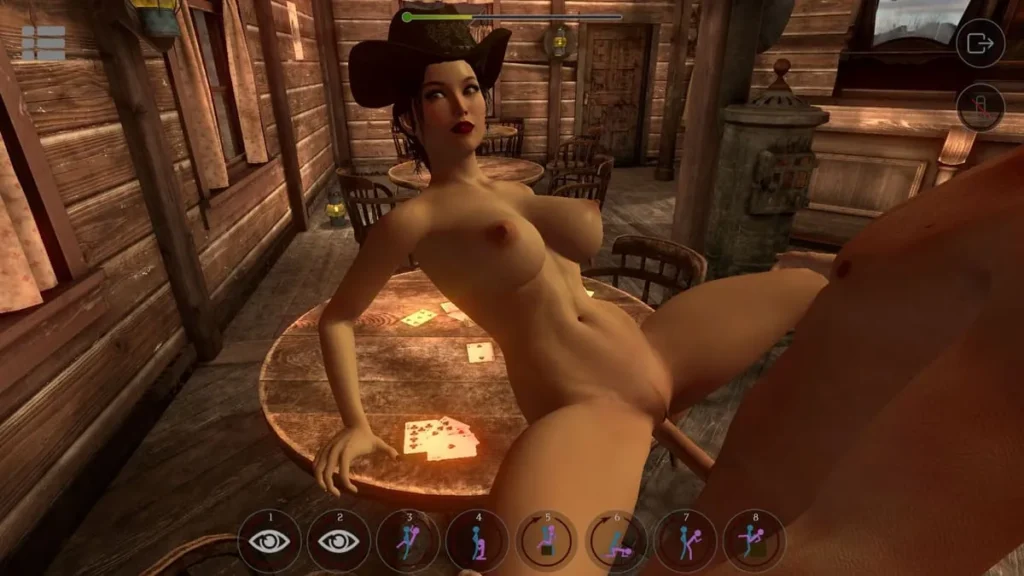
SinVR review
A hands-on guide to gameplay, customization, and getting the most from SinVR
SinVR is an adult-oriented virtual reality simulation that places players in a stylized environment to interact with AI-driven characters using VR controllers or a PC and mouse, with the core experience expandable through purchasable content. This article dives into what SinVR offers, how to set it up and play, customization and DLC options, technical considerations, and practical tips from a player’s perspective to help you decide if it fits your interests.
What is SinVR and how does it play?
So, you’ve heard about SinVR and you’re curious. What is this SinVR game, exactly? Is it worth your time? As someone who’s spent a fair few hours in its virtual spaces, I’m here to give you the straight story. Think of this as your friendly, no-fluff guide to what it is, how it plays, and what you can really expect when you hit that download button. Let’s get into it. 🕶️
Overview of SinVR’s concept and features
At its heart, SinVR is an adult-oriented simulation built for immersion. The core premise is straightforward: you enter a virtual space with a character, and you direct the action. It’s less of a traditional “game” with goals or scores, and more of an interactive, digital playspace where you call the shots. The focus is on visual fidelity, user control, and creating a personalized experience.
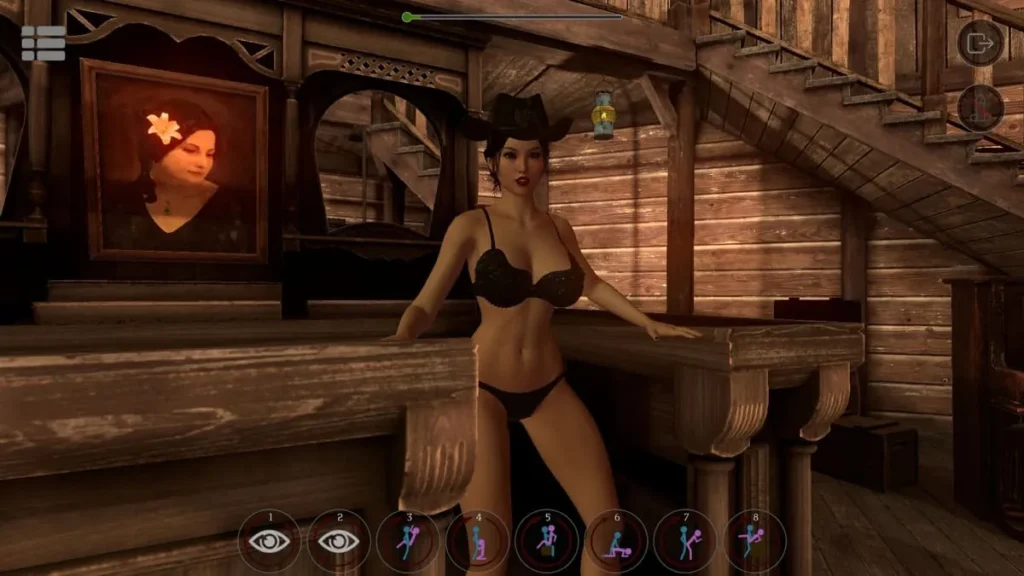
The primary draw is its roster of selectable female characters, each with their own stylized look. The environment—or “scene”—you choose sets the stage, whether it’s a bedroom, a dungeon, or a tropical beach. A key feature is the AI-driven behavior system, which aims to make characters feel more reactive and less like static mannequins, though your mileage may vary here.
But what truly defines the SinVR game is its dual nature. It was born for virtual reality, offering what many seek in adult VR content. However, recognizing that not everyone has a headset glued to their face, the developers included a fully functional SinVR non-VR mode. This thoughtful inclusion massively broadens its accessibility.
Finally, the experience is heavily expanded through SinVR characters DLC. The base package gives you a taste, but the real variety comes from these additional content packs, which introduce new characters and intricate scenes. It’s a model that allows the library to grow significantly over time.
Gameplay mechanics: VR and non-VR modes
This is where we separate the hype from the practical know-how. Understanding the SinVR gameplay loop and your control options is crucial to having a good time.
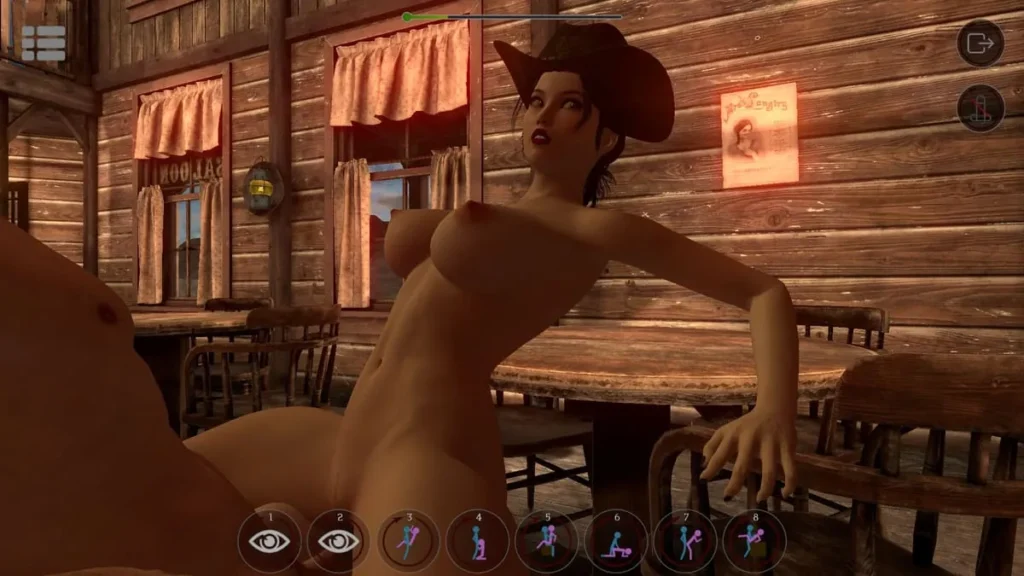
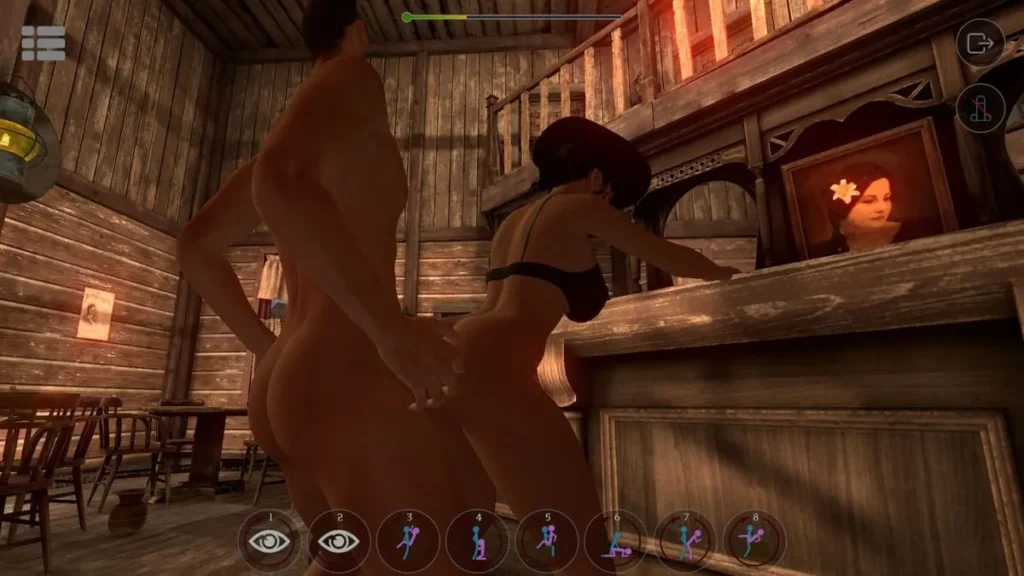
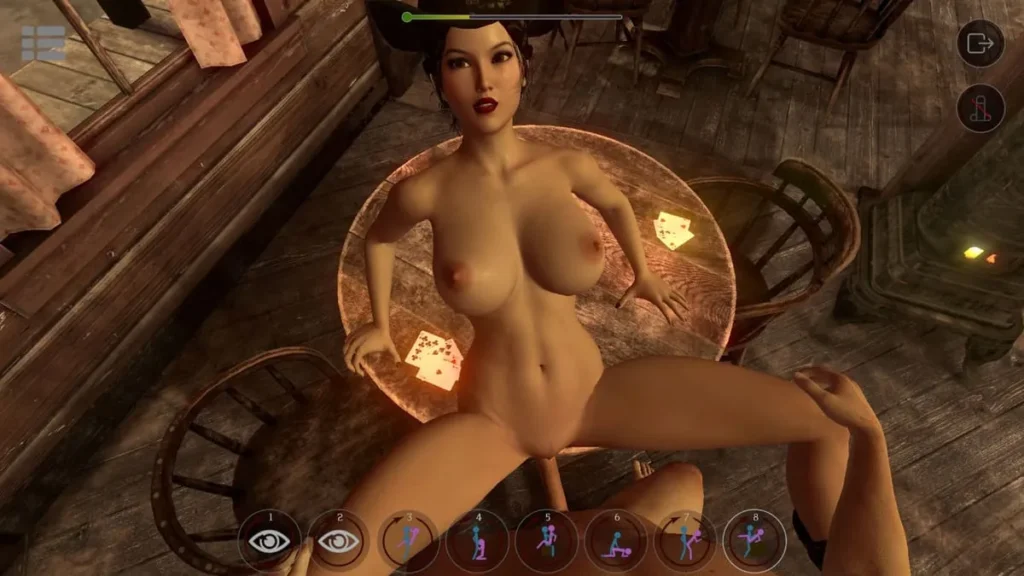
The Core Loop: You start by selecting a character and a scene from your available library. Once loaded in, you’re presented with a menu (often a radial or list style) that lets you choose poses, positions, and actions. You can swap these on the fly, control the speed, and adjust the camera to get the perfect angle. A session can be a quick five-minute visit or a longer, more exploratory 30-minute dive, depending on how much you want to experiment with the options.
Now, let’s talk SinVR controls, because they are everything. They differ dramatically between the two main ways to play.
For VR Warriors (SinVR VR Support):
If you have a compatible headset like the HTC Vive or Oculus Rift, this is the flagship experience. SinVR VR support is implemented using the motion controllers. You use one controller as a laser-pointer menu navigator, and the other often acts as your “interaction” hand for making selections. The sense of presence is the big sell here. You can look around naturally, lean in, and feel like you’re in the space. Camera control is often handled through a combination of preset angles and a handy “free camera” mode you can manipulate to frame shots exactly as you like.
For Desktop Commanders (SinVR Non-VR Mode):
Don’t have a headset? No problem. The SinVR non-VR mode is a completely valid way to play. You control everything with your mouse and keyboard. The mouse acts as your pointer and primary interaction tool, while keyboard keys handle camera movement, menu toggling, and pose cycling. It’s more like directing a movie than being in one, but it’s surprisingly robust and allows for precise control over the scene.
Here’s a quick breakdown of the control schemes:
| Action | VR Controls (Typical) | Non-VR Controls (Typical) |
|---|---|---|
| Menu Navigation | Laser pointer from motion controller | Mouse pointer |
| Selecting Poses/Actions | Trigger button on controller | Mouse click |
| Camera Control | Thumbstick for presets, button for free-cam | WASD keys to move, mouse to look |
| Cycle Options | Buttons on controller | Arrow keys or number keys |
The available poses and positions are extensive, especially as you add more SinVR characters DLC. The base system covers the fundamentals, but new DLC packs often introduce unique animations tailored to their specific scenes.
My first session: a personal walkthrough
Alright, let’s get personal. I’ll walk you through my genuine first boot-up of the SinVR game. I was equal parts curious and skeptical. Here’s how it went down, step-by-step.
1. Setup & First Launch: I downloaded the client from the official site. The installation was standard. I launched it first in SinVR non-VR mode on my desktop, just to see the lay of the land. The main menu was clean, presenting me with my character and scene library. Right away, it was clear: there was one free character and one free scene. That’s your trial taste. 👅
2. Selecting the Free Content: I selected the free character—a stylized, anime-inspired figure—and the free basic scene. Clicking “Start” loaded me into a simple room. Visually, I was… cautiously impressed. The character model was detailed, and the lighting was decent. It wasn’t photorealistic, but it had a consistent, polished aesthetic.
3. First Interactions & Control Friction: This was the make-or-break moment. I started clicking around with my mouse. A menu popped up listing poses. I clicked one, and the character moved into position. So far, so good. But then I wanted to move the camera. I fumbled with the WASD keys—they worked, but it felt a bit clunky. I found the button to unlock the free camera and suddenly had full control. This was better. I could swoop around, frame the shot like a cinematographer. The basic SinVR gameplay loop clicked: choose a pose, adjust the camera, watch, repeat or change it up.
4. Immediate Impressions & The Free Content Limit: The initial novelty was fun! Experimenting with different angles and animations felt creative. However, the limitation of the free content became apparent within about 20 minutes. I’d cycled through the core options for that single character in that single scene. The repeatability for the free version is low. You quickly see what the basic system offers and then hit a wall. This is the core friction point: the free version is a demo, not the full SinVR game experience.
5. How DLC Expands Everything: The promise, however, is in the expansion. I later picked up a SinVR characters DLC pack. It was like opening a new toy box. A completely new character with a different style, and an entirely new, much more elaborate scene (think a detailed outdoor setting vs. the basic free room). It came with its own unique set of poses that fit the environment. This is where the SinVR gameplay truly opens up. The DLC doesn’t just add a skin; it adds a whole new scenario with bespoke interactions, dramatically increasing the variety and longevity of your sessions.
My Tip: Treat the free download as a “control test.” Use it exclusively to see if you like the interface, the visual style, and the core mechanics of the SinVR controls. If the basic loop feels good to you, then look into DLC that appeals to your tastes—that’s where the real experience begins.
So, should you try SinVR? If you’re looking for a goal-driven adventure, look elsewhere. But if you want a customizable, interactive simulation where you direct the show, and you appreciate the option of both deep SinVR VR support and a solid desktop mode, it’s a unique option on the market. Just go in knowing that the free tier is a brief preview, and the full potential is unlocked through its additional content. Your first session will tell you everything you need to know about whether you want to explore further. 🎮
SinVR delivers a focused adult-oriented VR simulation with a simple core experience that can be expanded through DLC; it supports mainstream VR headsets and a non-VR mouse mode, and offers a high degree of mix-and-match customization through purchasable characters and scenes. New players should try the free content first, follow the setup checklist, and buy DLC selectively based on the variety promised in bundles. If you value customization and VR camera control, SinVR can be enjoyable; if you expect deep interaction for free, plan purchases carefully. If you’d like, I can draft the full article text next, or create the HTML-ready layout for publishing.